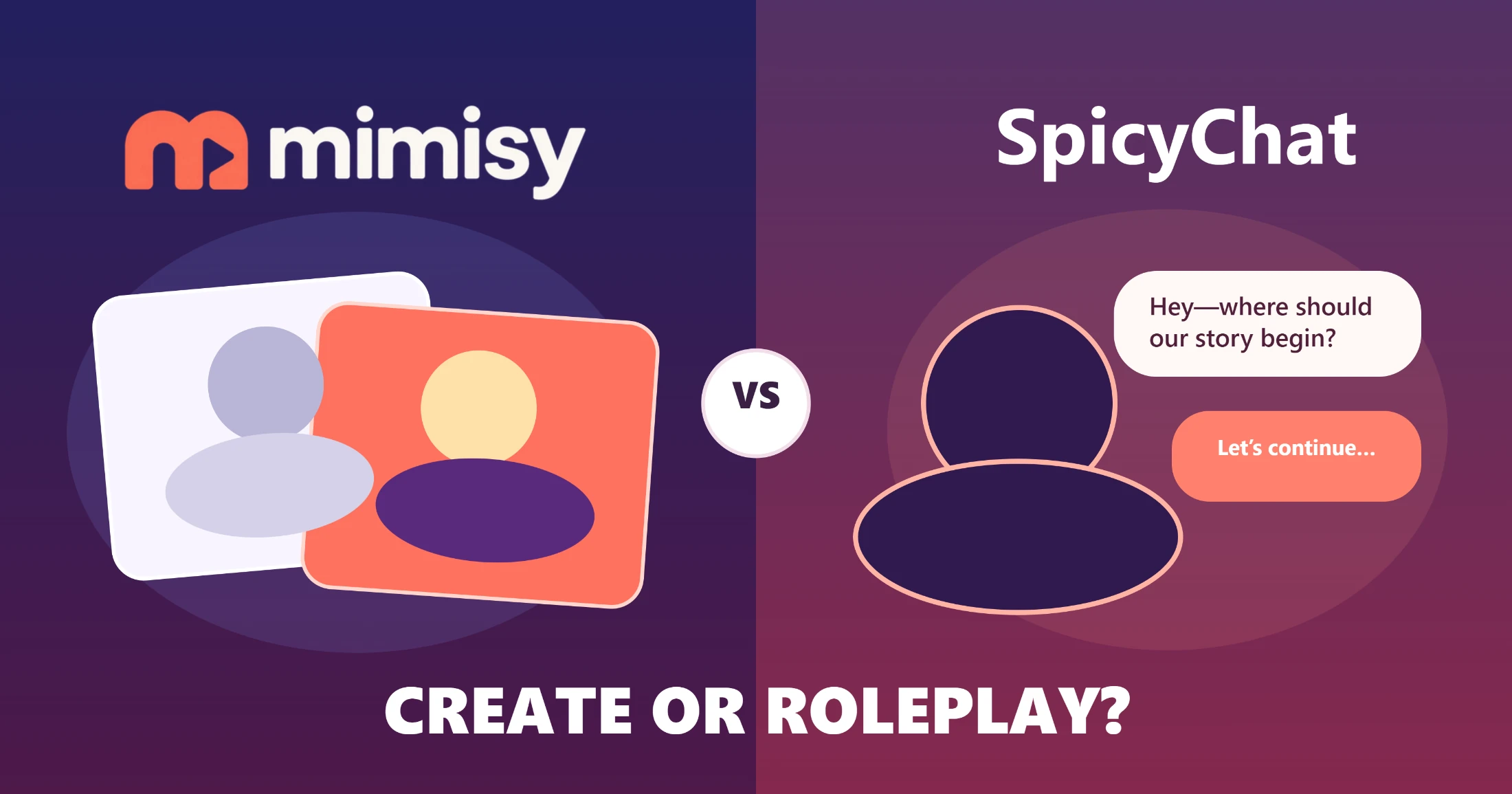
Choose Mimisy to turn your own photo into a finished image or video through an organized, template-based workflow. Choose SpicyChat to select an AI character and develop a conversation or roleplay.
These products serve different purposes. Mimisy is a visual creation tool whose output is a reusable image or video. SpicyChat is a character-chat platform where the conversation is the experience.
This comparison reflects the products and their documented capabilities as of November 2026. Prices, plan benefits, available models, and individual templates can change, so they are not the basis for the recommendation.
Mimisy vs SpicyChat: the short answer
For photo-based visual creation, Mimisy is the better choice. It separates image effects from video effects, lets you inspect a template before using it, and begins with a photo you provide. Optional prompts allow you to refine the direction. You can repeat the same process with additional photos without rebuilding the creative setup each time.
SpicyChat is better suited to ongoing exchanges with fictional or community-created characters. You select a character or scenario, respond to its greeting, and shape the interaction one message at a time. Its tools help you continue, revise, and organize conversations rather than produce template-based photo transformations.
| Decision factor | Mimisy | SpicyChat |
|---|---|---|
| Primary job | Turn uploaded photos into images or videos | Provide AI character conversations and roleplay |
| Starting input | A personal source photo | A selected character, greeting, or scenario |
| First major choice | Choose an image or video effect | Choose a character to talk to |
| Interaction style | Template-led creation with optional direction | Open-ended, message-by-message interaction |
| Main output | A generated image or video | Conversational text and an evolving roleplay |
| Session pattern | Bounded creation task with a clear result | Potentially open-ended conversation |
| Repeatability | Reuse a stable template workflow with new photos | Continue or restart a generative narrative |
| Organization | Separate visual-effect categories | Character search, tags, filters, favorites, and chat history |
| Creative control | Template choice, source photo, supported settings, and optional prompt | Character choice, messages, actions, edits, regeneration, and model behavior |
| Time commitment | Suitable for quick individual creations or repeated batches | Best when you want to spend time developing a conversation |
| Best fit | People who want reusable visual results from their photos | People who want character interaction or AI roleplay |
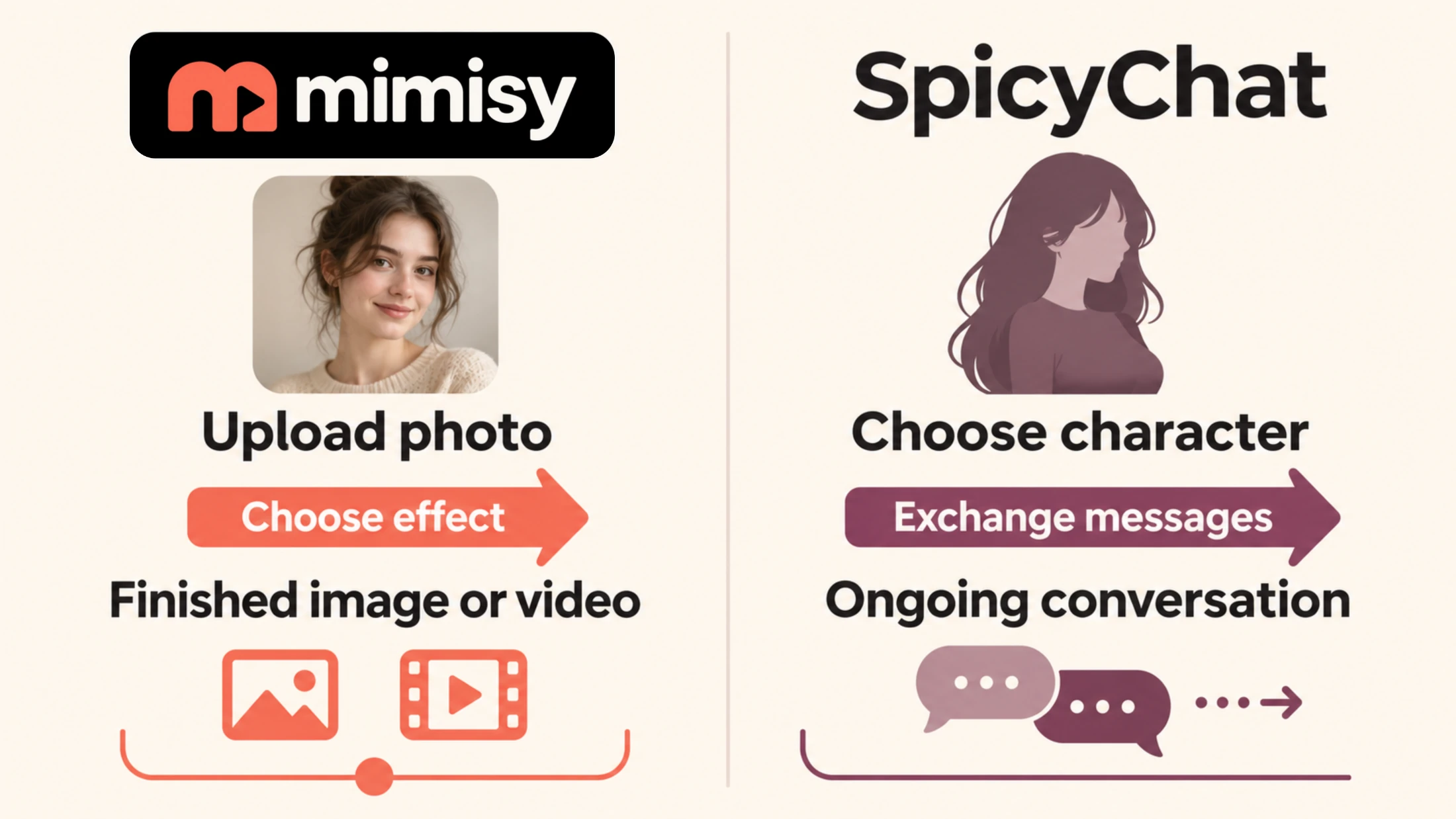
Mimisy is designed for bounded photo-based visual creation, while SpicyChat is designed for continuing character conversations.
Why the category difference changes the decision
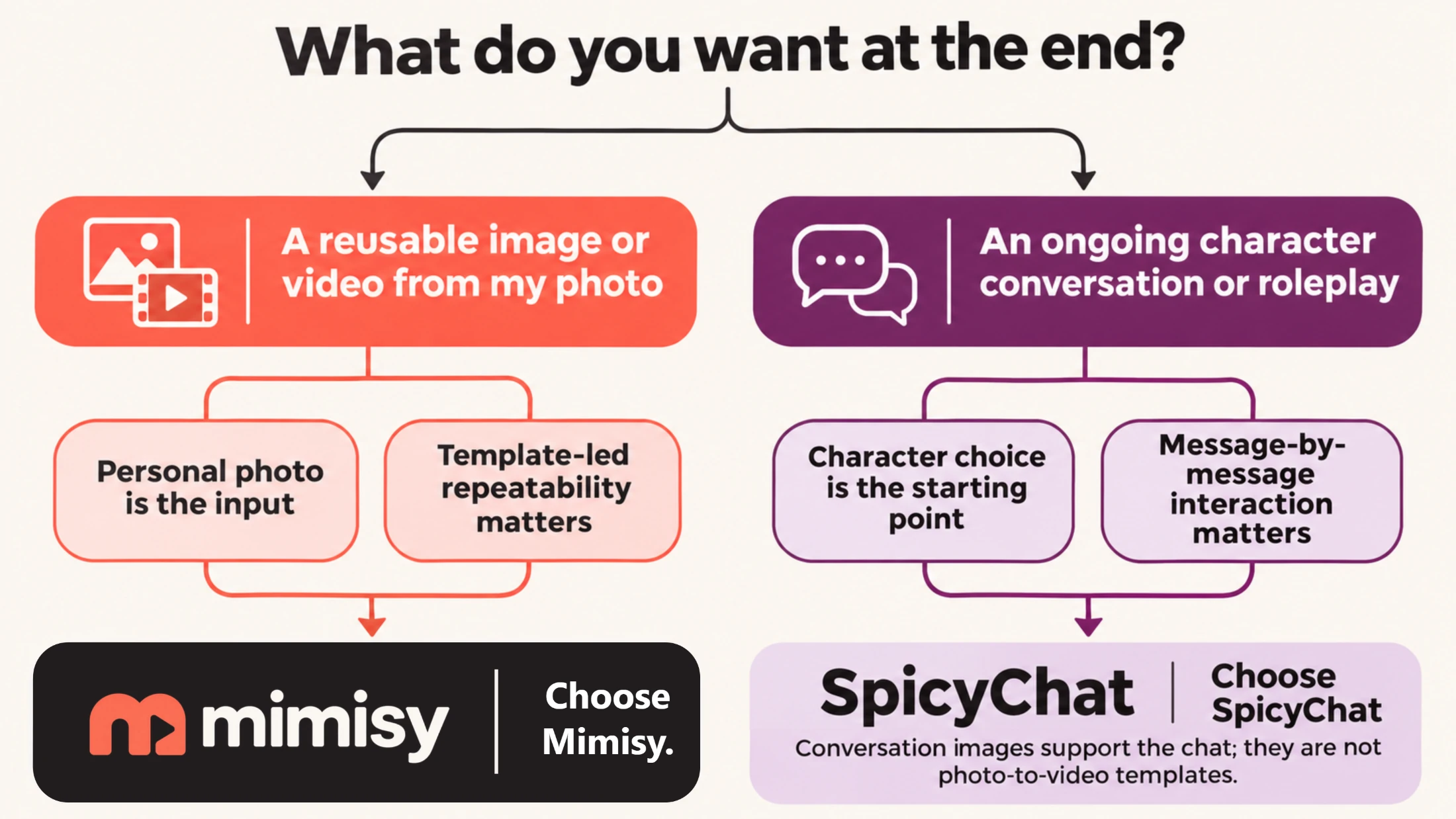
A conventional comparison assumes both products are trying to do the same job. The useful question here is: “What do I want to have at the end?”
For a transformed portrait, stylized image, animated photo, or short video effect, evaluate the workflow as visual production. Template discovery, source-photo suitability, output format, settings, and repeatability all affect the result.
For an entertaining conversation, fictional scene, or continuing relationship with a character, look at character selection, writing quality, conversational context, response behavior, and whether you can resume the chat.
An isolated image feature does not put the two products in the same category. SpicyChat can provide conversation-derived still images for qualifying plans, but those images support chat immersion. That differs from uploading your own photo, selecting a visual effect, and generating a photo-based video.
What Mimisy is designed to do
Mimisy starts with a visual idea and a source photo. Instead of asking you to describe the entire result on a blank prompt screen, it presents effects as templates with samples. You can browse a relevant category, inspect the intended transformation, and judge whether it suits your photo before generating anything.
The catalogue is helpful when you already know the required output. For a still transformation, you can go directly to Mimisy image effects. For motion, browse the separate image-to-video effects. This division reduces the chance of choosing an appealing effect that produces the wrong media type.
Templates also provide a reusable production framework. If you want several portraits in the same visual style, you can keep the effect and general direction consistent while replacing the source photo. The generated pixels may vary, but the decisions remain familiar: choose the effect, prepare the photo, review the available controls, and generate.
Mimisy’s main advantage in this comparison is its clear route from a personal photo to a finished visual. It particularly suits people who prefer choosing from organized examples instead of developing every concept through repeated prompt experiments.
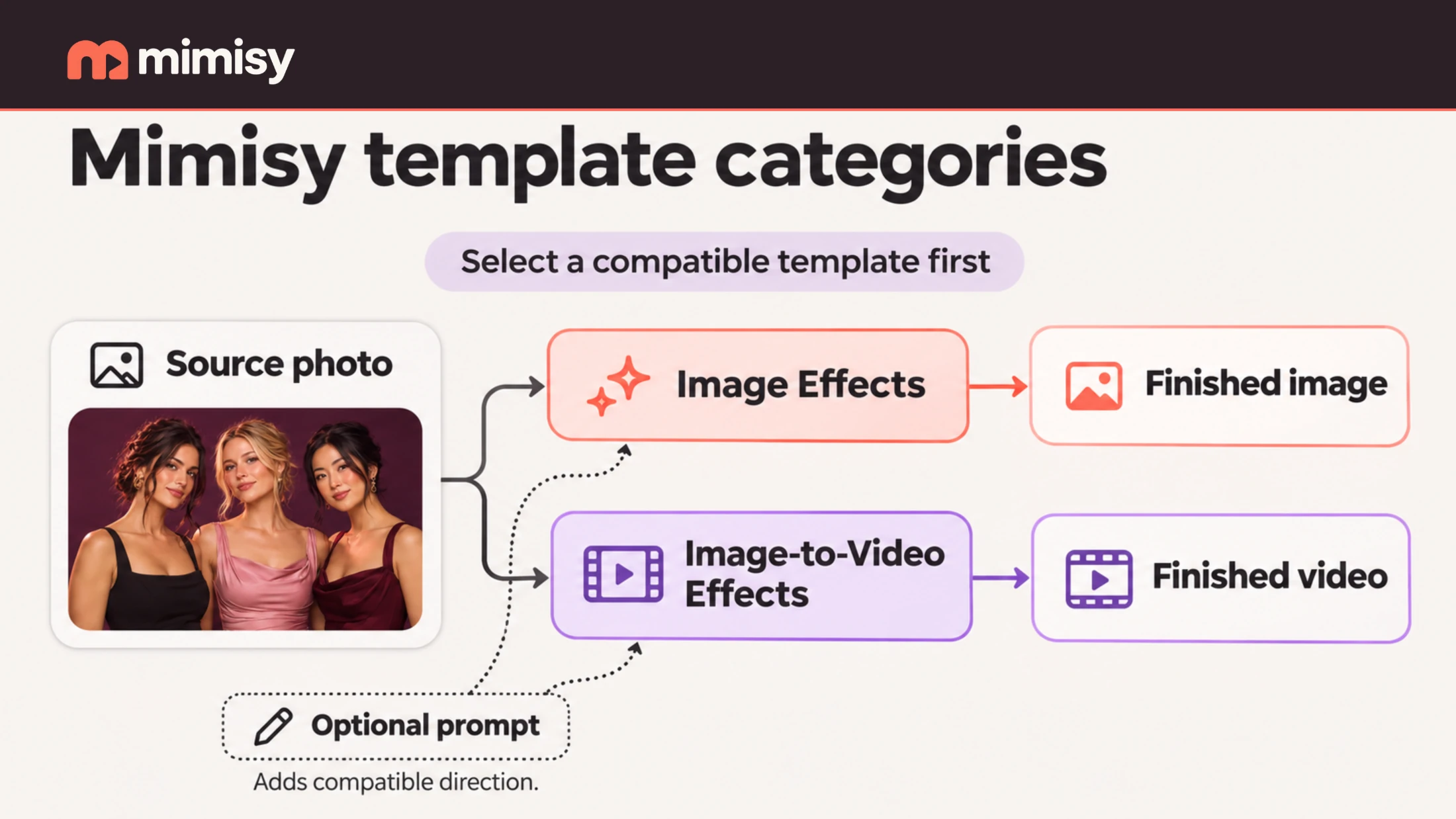
Mimisy separates still-image and photo-to-video templates while keeping the source photo and optional direction within one clear workflow.
The Mimisy workflow: from photo to finished visual
A practical Mimisy session follows seven steps.
Choose the output type. Decide whether you need a still image or a video. This immediately narrows the relevant catalogue.
Browse the appropriate template category. Compare the effect samples rather than relying on their names. Look at composition, expected subject placement, movement, and overall style.
Select a suitable source photo. A clear subject and a composition similar to the template’s intended input generally give the effect more useful material. If the subject is obscured, extremely small, or positioned very differently from the sample, try another photo or effect.
Review the template’s supported options. Video templates may offer different duration, quality, motion, or continuation choices. Use the controls shown for the selected effect instead of assuming that every template supports the same configuration.
Keep the preset or add direction. Leave the prompt blank if the sample already represents the result you want. Mimisy’s guide to optional prompts recommends short, compatible instructions for small adjustments. For example, “gentle movement, relaxed expression, soft lighting” adds focused direction without conflicting with the selected effect.
Review the generation quote and submit. Check the displayed credit requirement before generating so you can plan variations or repeated work.
Review and repeat. Save a useful result, then decide whether to replace the photo, make one prompt adjustment, or choose another template. Change one variable at a time to see which choice affects the outcome.
The process begins with a photo and ends with a reusable visual file. It works well for profile imagery, creative portraits, social posts, visual experiments, and repeated transformations using a consistent effect.
What SpicyChat is designed to do
SpicyChat starts with a character rather than a photo. Its Characters documentation describes discovery features including search, filters, tags, ratings, and favorites. These tools help users find a personality or fictional premise they want to explore.
After selecting a character, you enter a chat, read the greeting, and respond. According to SpicyChat’s Character Chats documentation, conversations can include roleplay actions and tools for editing or regenerating responses, saving chats, and resuming an interaction.
The result is usually an evolving exchange rather than a discrete file produced through a fixed sequence. Its value comes from the character’s replies, the developing scene, and your ability to steer what happens next.
Model selection can affect tone, creativity, context handling, and response behavior, but the platform’s purpose remains the same. A different conversational model changes how a character talks and responds; it does not create a Mimisy-style photo-to-video workflow.
The SpicyChat workflow: from character choice to conversation
A typical SpicyChat session has a different rhythm.
Search or filter the character catalogue. Begin with the character type, tags, or scenario that fits the conversation you want.
Inspect the character page and premise. The description and greeting establish the personality, setting, and expected role for the user. A good fit here reduces the need to redirect the conversation immediately.
Open the chat and reply to the greeting. Your message can include dialogue, an action, scene direction, or a combination of these elements.
Guide the interaction through successive messages. Each reply adds context to the conversation. Specific, consistent messages usually offer clearer direction than changing the setting, relationship, and tone all at once.
Edit or regenerate when necessary. If a reply sends the scene in an unwanted direction, use the relevant chat controls to revise the turn instead of restarting the entire conversation.
Continue or resume the conversation. Sessions can remain open-ended. Context management becomes more important in longer chats because recent details are generally more likely to remain active than much older ones.
This approach suits immersion, improvisation, and character interaction. It is inefficient if your only goal is to transform a personal photo into a shareable image or video.
Inputs and outputs: what you provide shapes what you receive
Mimisy needs source material for a visual transformation. Your photo supplies identity, pose, framing, and other visible information, while the template supplies the intended effect. The resulting image or video can exist independently of the creation session.
SpicyChat needs conversational context. Your messages supply dialogue, actions, preferences, and narrative direction, while the selected character and model generate replies. Its main output is text whose meaning depends on the surrounding conversation.
Consider two goals:
- “I have a portrait and want to turn it into a short animated visual.” This belongs in Mimisy because the photo is the input and a video is the desired product.
- “I want to enter a fictional scenario and see how a character responds to my choices.” This belongs in SpicyChat because the interaction is the desired product.
Choose the intended output first. A platform may have an image feature or use AI without offering the workflow needed to produce your desired result.
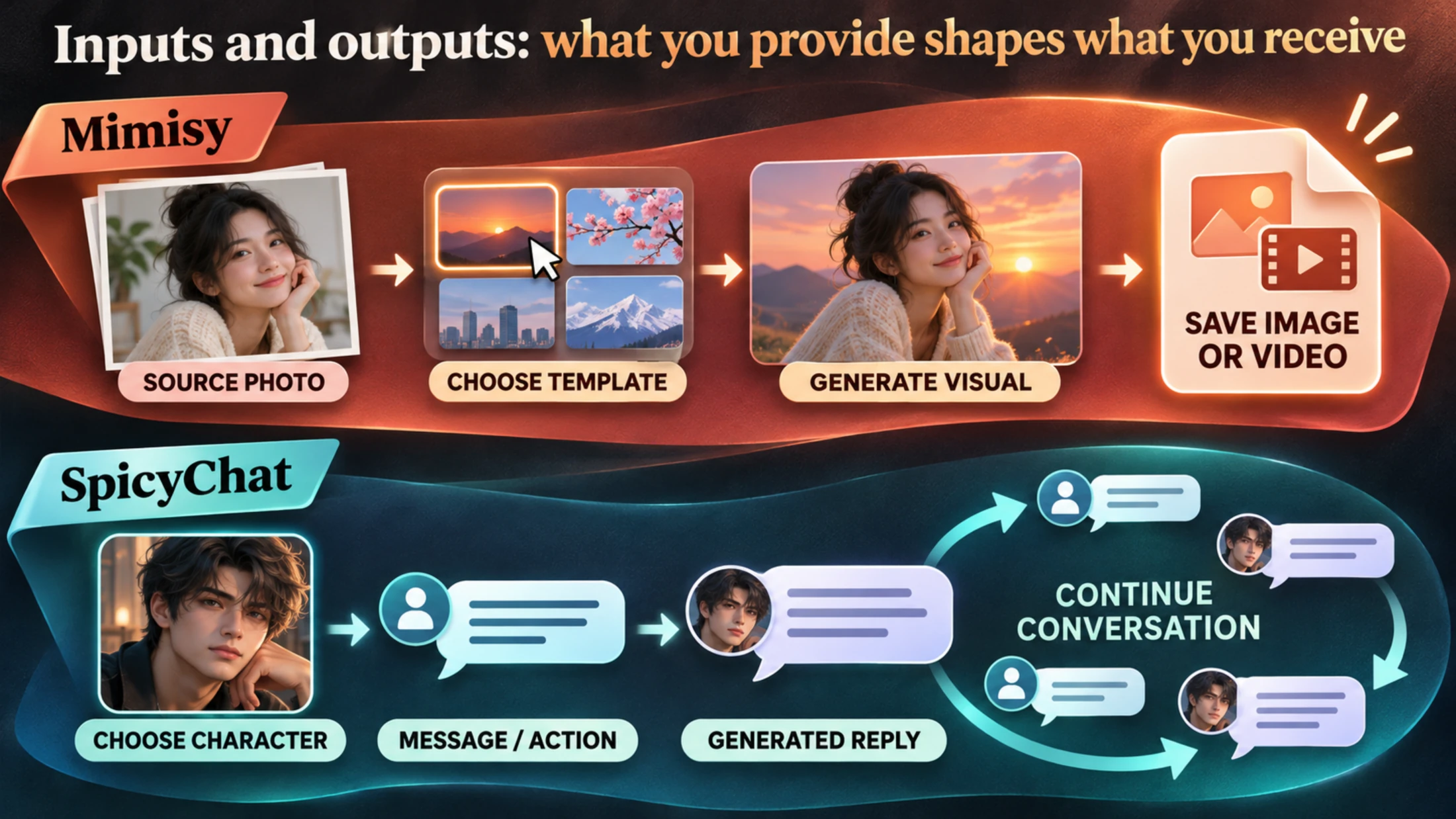
Mimisy ends with a reusable visual file; SpicyChat’s primary value is the conversation that continues.
Interaction style, repeatability, and time commitment
Mimisy places most decisions near the beginning. You choose the media type, effect, photo, supported settings, and possibly one short instruction. Once those inputs are set, the generation produces a complete asset for review.
Repetition is straightforward. A creator making a coordinated portrait set can reuse the same effect and prompt direction with several suitable photos. Each generation is new, but the production process stays consistent.
SpicyChat spreads decisions across the session. Every message can redirect the scene, add information, or change the relationship between characters. This flexibility rewards ongoing attention. A roleplay may last a few minutes or continue across multiple sessions without reaching a fixed finished state.
The two products therefore offer different kinds of repeatability. Mimisy reruns a consistent production sequence. SpicyChat continues or recreates a conversational premise, with generated replies that may develop in different directions.
Do SpicyChat conversation images change the verdict?
Usually not. SpicyChat’s documented conversation-image feature can create still imagery based on a character and recent chat context for eligible users. It can enrich a roleplay by illustrating a moment from the conversation.
The feature does not make SpicyChat a dedicated personal-photo transformation tool. Its starting point remains the character and chat context, and the image depicts the conversation. It does not replace choosing a classified video effect, uploading your own source photo, reviewing template-specific options, and generating a photo-to-video result.
SpicyChat may be sufficient when imagery is secondary to the conversation. When the visual file is the reason for opening the product, Mimisy provides the more direct workflow.
Which should you choose?
Choose Mimisy when:
- You want a finished image or video instead of an ongoing conversation.
- Your own photo should be the starting material.
- You prefer organized image and video effect categories.
- You want to begin with a visual template instead of a blank prompt.
- You value a repeatable sequence that works with additional photos.
- You want optional prompt control without making prompting the entire workflow.
Choose SpicyChat when:
- Talking to an AI character is the main activity you want.
- You enjoy fictional scenarios, conversational improvisation, or roleplay.
- You prefer steering the experience one message at a time.
- Character discovery, dialogue style, and conversation continuity matter more than producing a reusable media file.
- Conversation-derived imagery would be a supporting feature rather than the main product.
The choice comes down to the result you want. For an organized, repeatable photo-to-image or photo-to-video workflow, choose Mimisy. For continuing character chat and AI roleplay, choose SpicyChat.
Find an effect for your next idea.
Browse the actual previews, choose your settings, and review the credit quote before you create.
Explore effects →