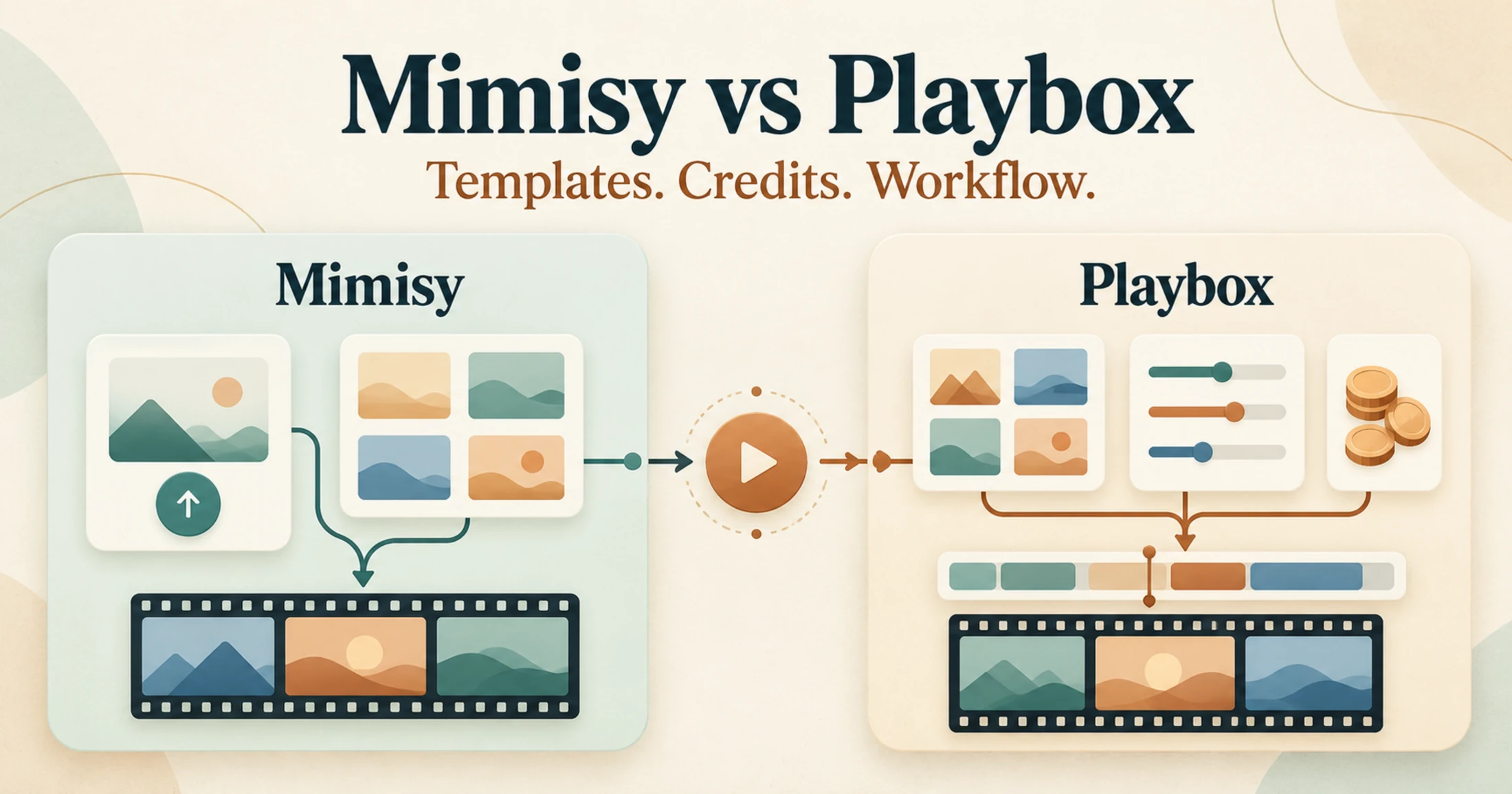
Choose MyBabes if you want to create or discover a recurring AI babe, chat with the character, use voice and supported memory, generate images in the same ecosystem, develop stories, and animate stills from your account gallery. Choose Mimisy if you already have a suitable personal or authorized photo and want a shorter route from upload to a guided image or video effect.
Mimisy is the more direct choice for own-photo NSFW transformations and template-led results. You select a live effect, upload a photo from your device, review the supported settings and credit quote, optionally add a short prompt, and generate. MyBabes offers a broader character environment, but its public guides do not document importing a new phone or hard-drive photo into the image-to-video or Inpaint workflows compared here.
This comparison is based on official public information checked on November 22, 2026. The verdict concerns workflow fit. Neither platform can claim universally better output quality without a controlled, like-for-like benchmark.
MyBabes vs Mimisy at a Glance
| Comparison point | MyBabes | Mimisy |
|---|---|---|
| Primary workflow | Create or discover an AI babe, interact with the character, generate internal media, and animate gallery images | Choose an effect, upload an existing photo, review the available options and cost, then generate |
| Starting input for the compared video path | A still from the MyBabes account gallery, or an image generated inside the service | A suitable photo uploaded from the user’s device |
| Character creation | Central to the product experience | Not the core purpose |
| Image generation | Internal image generator, chat-generated photos, Inpaint for supported app images, and an account gallery | Dedicated image effects using uploaded source photos and live templates |
| Chat and relationship features | In-character chat, stories, voice, generated media, and long-term memory on supported models | No equivalent persistent character-chat system |
| Video generation | MyBabes V2 plus Wan and Seedance routes, with model-dependent controls, mods or enhancers, prompts, shot lists, and native-audio options | Image-to-video effects organized around visible templates and their supported settings |
| Guidance style | Model, prompt, mod, enhancer, and shot-list exploration | Outcome-led template samples with optional concise prompting |
| Two-photo workflow | Not documented in the supplied MyBabes workflow guides | Supported DUO effects provide two distinct upload slots |
| Pricing approach | Cost or access may vary by account, feature, model, and settings; check the live service | The current credit quote is displayed before generation; see Mimisy pricing for current purchase options |
| Learning curve | Higher, but useful when character continuity and creative depth are the goal | Lower for a specific existing-photo transformation |
| Best fit | Building and interacting with a recurring generated persona | Animating or transforming an existing personal or authorized photo |
The Central Difference Is Where Your Image Comes From
MyBabes is character-first. Its connected workflow begins with a babe created or discovered inside the service. You can chat, generate photos, keep media in the character workspace, and select an internal still for animation. This continuity helps when the same fictional persona needs to appear across conversations, images, stories, and clips.
Mimisy is photo-first. You begin with an image you already have, choose an effect, and upload the required source from your device. The template shows the broad result before you spend credits, while the generation dialog displays the settings supported by that effect.
A MyBabes user may need to choose or develop a character, produce a suitable internal image, manage gallery media, select a video model, and configure its controls. A Mimisy user starts with the intended output: find a suitable live template, match it with a clear source photo, check the quote, and generate.
Both structures make sense for their intended jobs. MyBabes’ additional layers are useful when the character is the project. For a task as direct as “animate this photo,” those layers add steps that Mimisy avoids.
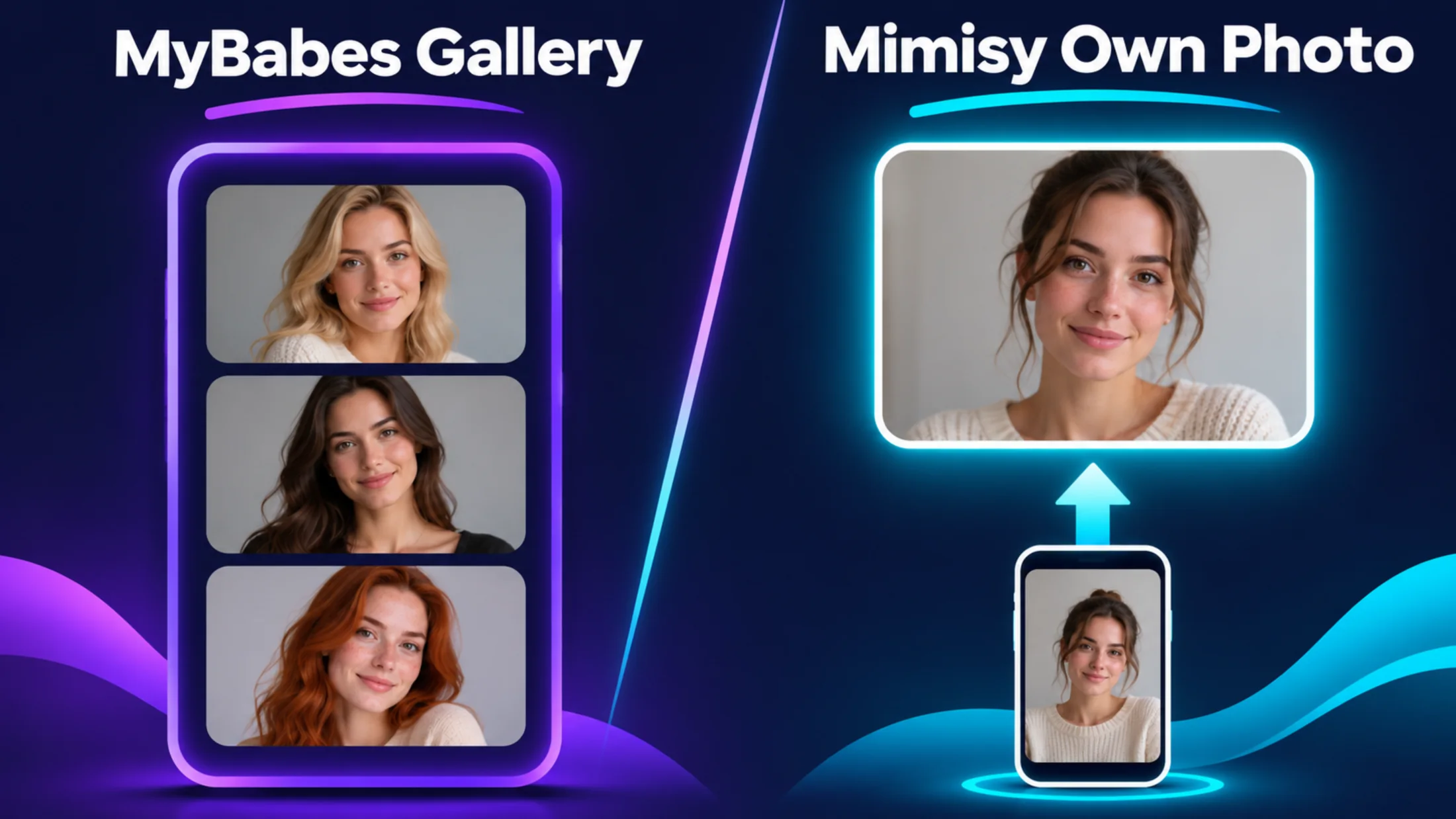
MyBabes begins with an internal gallery still, while Mimisy begins with a photo uploaded from the user’s device.
What MyBabes’ Public Guides Document About Uploads
MyBabes has an internal image generator, photos produced through chat, an in-app gallery, Inpaint, and several substantial image-to-video routes. The important distinction is how an image enters the documented workflow:
- The official MyBabes V2 guide describes choosing any still from the user’s MyBabes gallery.
- The Wan guide tells users to pick a still from the gallery or generate one first.
- The Inpaint guide labels its rule “App Images Only” and explicitly says that images from a local hard drive or phone gallery cannot be uploaded into Inpaint.
The reviewed public guides therefore do not document a fresh local-device upload into these image-to-video or Inpaint paths. That finding applies to the documented workflows, not every existing or future MyBabes feature.
If your starting asset is a photo on your phone or computer, Mimisy provides the documented direct route. If you prefer to create the subject inside MyBabes and animate an internal gallery still, MyBabes offers a coherent and considerably deeper workflow.
Character Creation, Chat, Voice, and Memory
MyBabes has the clear advantage when the character needs to persist beyond one generation. Its chat guide documents in-character conversation, scene-related generated photos, a Make Video action for chat images, voice, stories, and long-term memory on supported models.
These features work together. A conversation can establish a character’s personality or scenario, generated images can visualize that context, selected images can enter the video workflow, and supported memory can help maintain continuity in later interactions. Someone seeking an AI companion or an evolving fictional persona gets a connected character environment instead of a set of isolated generation tools.
Mimisy focuses on a different job. Users do not have to construct a persona before creating an effect, and persistent chat, voice, memory, and story development are not central to the experience. Its narrower benefit is reducing the distance between an existing photo and a guided visual result.
Choose MyBabes if you expect to spend time with the character. Choose Mimisy if the photo and its intended transformation are the whole project.
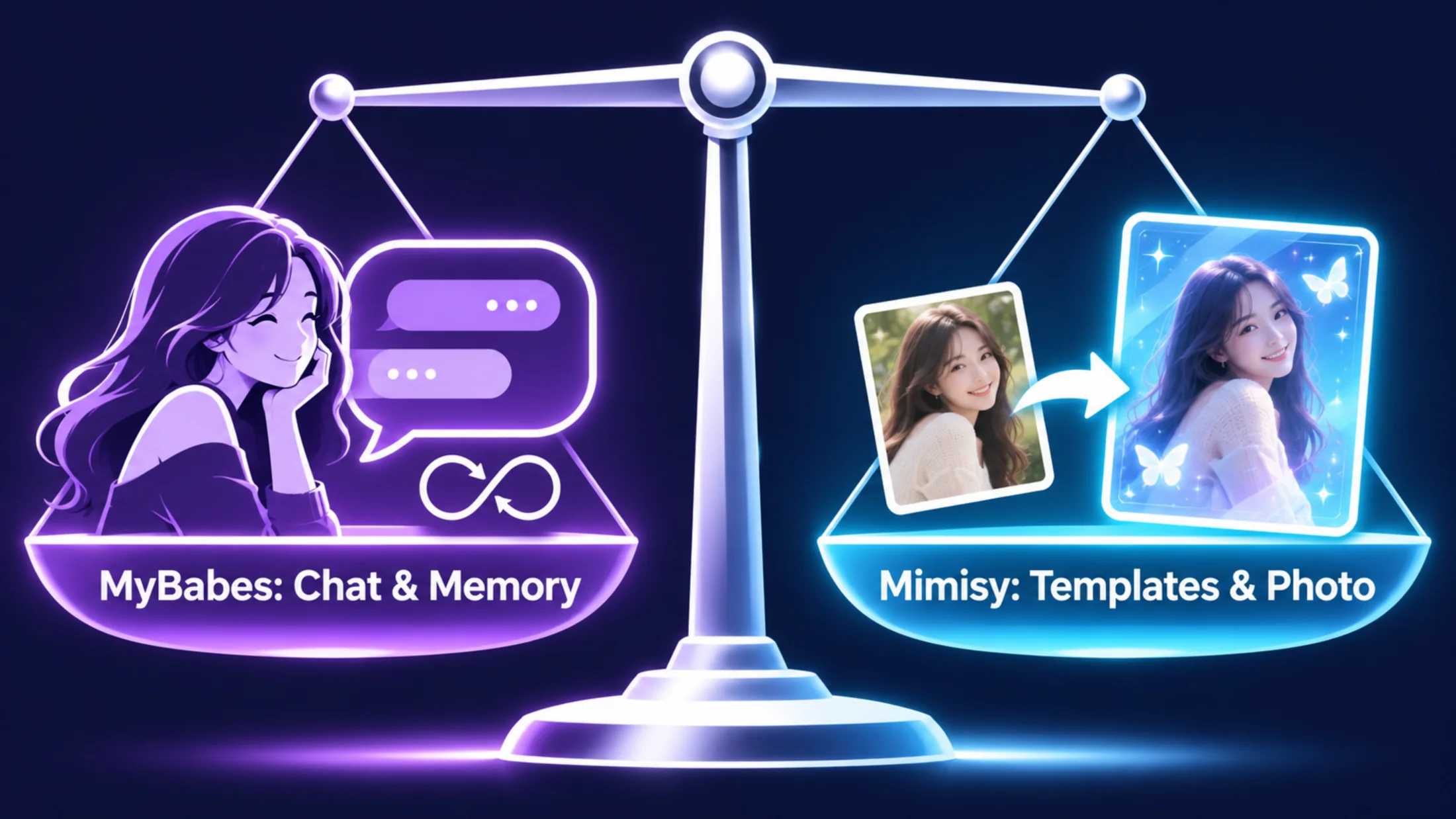
MyBabes emphasizes an ongoing character relationship, while Mimisy emphasizes guided effects applied to an existing photo.
Image and Video Generation on Shared Terms
MyBabes provides several creative paths within its ecosystem. MyBabes V2 is an image-to-video route for gallery stills. Its guide documents 86 mods, shot-list controls, native audio, and several clip options. Wan and Seedance offer alternative model routes with different strengths and controls. Together with internal image generation and chat photos, these tools make MyBabes a character-centered media studio as well as a chat application.
That breadth rewards experimentation. Users can compare models, refine prompts, apply mods or enhancers, direct shots, and choose which internal image becomes a clip. It also introduces more concepts to learn before selecting the right path.
Mimisy organizes creation by intended effect. Its video catalogue leads to photo-to-video templates, while its picture effects occupy a separate lane. Opening a template reveals its sample, required input, supported settings, availability, and current credit quote, so the output category is clear before generation begins.
The main distinction is the type of control each platform emphasizes:
- MyBabes centers characters, models, prompts, mods, enhancers, and shot direction.
- Mimisy centers a visible outcome and a suitable source photo.
A power user developing a recurring synthetic character may prefer MyBabes’ broader toolset. Someone who recognizes the desired motion or transformation in a Mimisy sample can skip much of that configuration. The available material includes no controlled benchmark showing that either service always creates sharper, more realistic, or more consistent media.
Templates Versus Model-Led Exploration
A template turns an abstract prompt into a visible expectation. In Mimisy, users can inspect the live sample, decide whether their source photo has compatible framing, and check whether the available settings suit the job. They can retain the preset or add one short direction consistent with the selected effect.
Prompting still has a role, but it supports the template rather than defining the entire result. For example, a user could request gentler movement or a particular expression without trying to replace the chosen effect. The optional-prompts guide explains when the preset is sufficient and when a concise addition may help.
MyBabes also guides creation through prompts, mods, enhancers, templates in supported routes, and shot lists. Model and control selection take up more of the creative process. That suits open-ended exploration, though it creates a steeper learning curve for users who already know which effect they want.
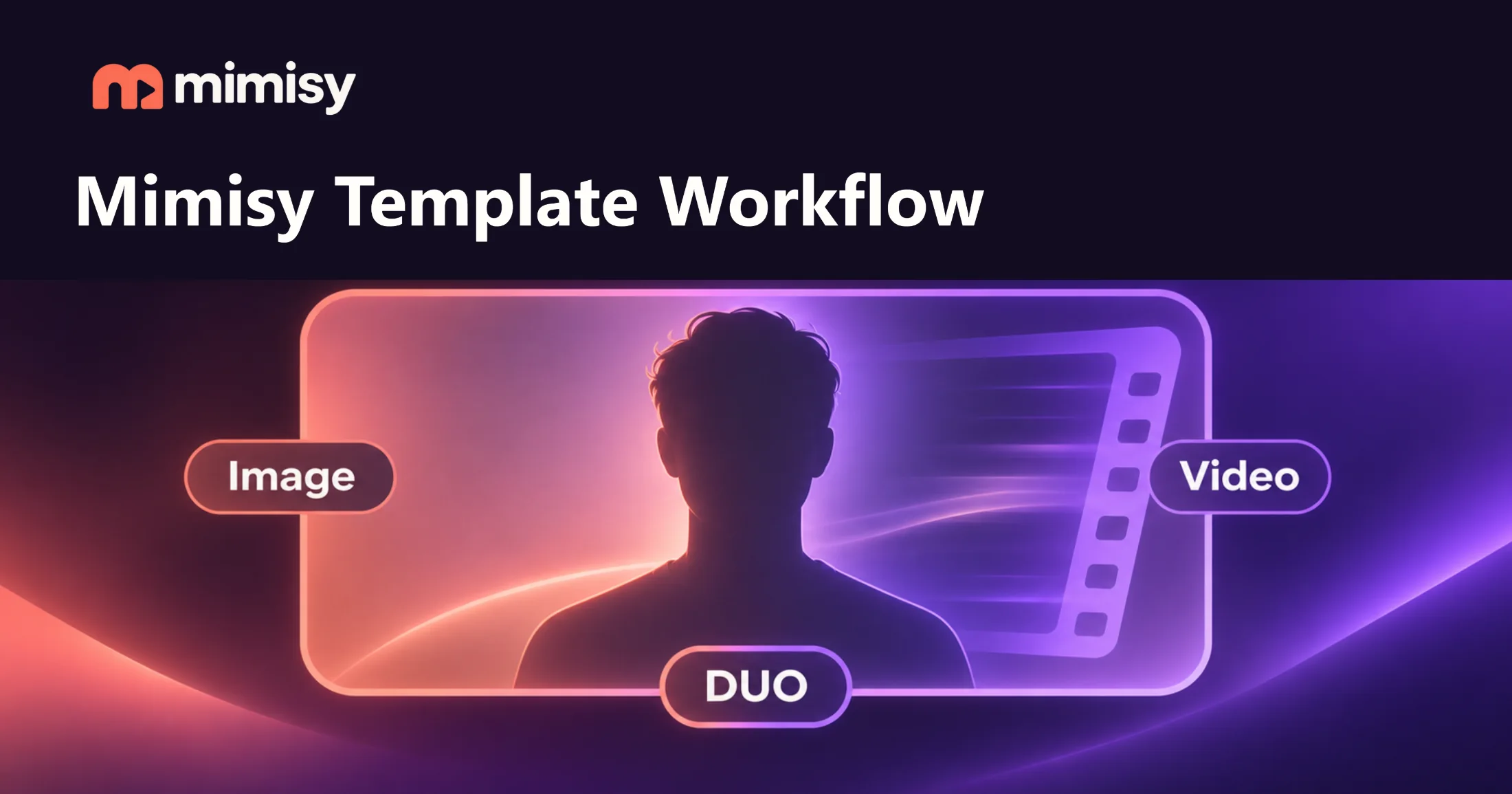
A practical Mimisy selection process is outlined in the template workflow guide: inspect the sample, match the source composition, verify the supported options, and change one variable at a time when iterating.
Two-Photo Effects
Supported Mimisy DUO templates provide two required source-photo slots. Each person has a distinct input position, and the combined credit quote appears before generation. Follow the slot labels rather than assuming the photos are interchangeable.
Not every effect accepts two photos, so the DUO label should lead you to check the actual upload fields and supported workflow. When two slots are available, use clear source images with compatible framing and visible subjects.
The supplied MyBabes V2, Wan, Inpaint, and chat workflow sources do not document equivalent two-photo input. This leaves open what other or future MyBabes features may support, but Mimisy is the clearer documented choice for a job that begins with two separate photos.
Workflow Example 1: Build a Recurring AI Character
Suppose you want a fictional persona who can appear in conversations, images, and videos over time.
- Create or discover a babe in MyBabes.
- Develop the persona through chat, stories, voice, and supported memory features.
- Generate photos within the character environment or request an image during chat.
- Save or locate the preferred still in the MyBabes gallery.
- Choose MyBabes V2, Wan, or another available video route.
- Configure the supported prompt, mod, enhancer, audio, or shot controls and generate.
For this project, the internal gallery connects character building with animation. MyBabes is the better fit because the recurring persona is the central asset, not a pre-existing personal photo.
Workflow Example 2: Animate an Existing Authorized Photo
Suppose you already have a photo and want to apply a specific effect without creating a character first.
- Check Mimisy’s source-photo guidance. Prefer an original, sharp image with even lighting, an unobstructed subject, and framing similar to the template sample.
- Browse the live video or picture effects and open the one closest to your intended result.
- Upload the required photo. If a supported DUO effect displays two slots, supply both sources and follow their role labels.
- Review the settings offered by the template and inspect the current credit quote.
- Keep the preset or add one short, compatible instruction.
- Generate and review the result before deciding what to change next.
The first-video guide covers this sequence in more detail. Mimisy is the stronger option here because it accepts the source directly and organizes each decision around the selected effect.
Pricing and Cost Visibility
Plan numbers can change. A more useful comparison is when each platform tells you the cost of the job you are preparing to run.
Mimisy displays a credit quote before submission, allowing users to evaluate a particular template and its selected settings before spending credits. Current passes and credit options appear on the live pricing page.
MyBabes offers several media routes whose access or cost can depend on the account, feature, model, and chosen settings. The supplied sources do not establish current MyBabes prices, so check the live service for the exact cost of the intended model and configuration.
This does not establish either platform as universally cheaper. A direct template may reduce exploratory attempts for a narrowly defined task. MyBabes may offer more value to someone who uses its chat, character, image, story, voice, and video features together. Compare the cost of reaching the result you need, including likely iterations, rather than focusing only on the cheapest visible entry option.
Which Platform Is Easier to Learn?
For transforming an existing photo, Mimisy has the shorter learning path: choose an effect, upload, inspect the supported settings and quote, optionally add a concise direction, and generate. The template narrows the task and removes the need to select a character system or video model first.
MyBabes requires familiarity with more of its environment: character discovery or creation, chat functions, internal image generation, gallery management, model selection, mods or enhancers, prompts, audio, and shot controls. That added complexity pays off when these connected tools are the reason for choosing the service.
Ease therefore depends on the goal. MyBabes’ depth supports the work of building a recurring character. Mimisy is materially simpler when character creation would only delay an existing-photo transformation.
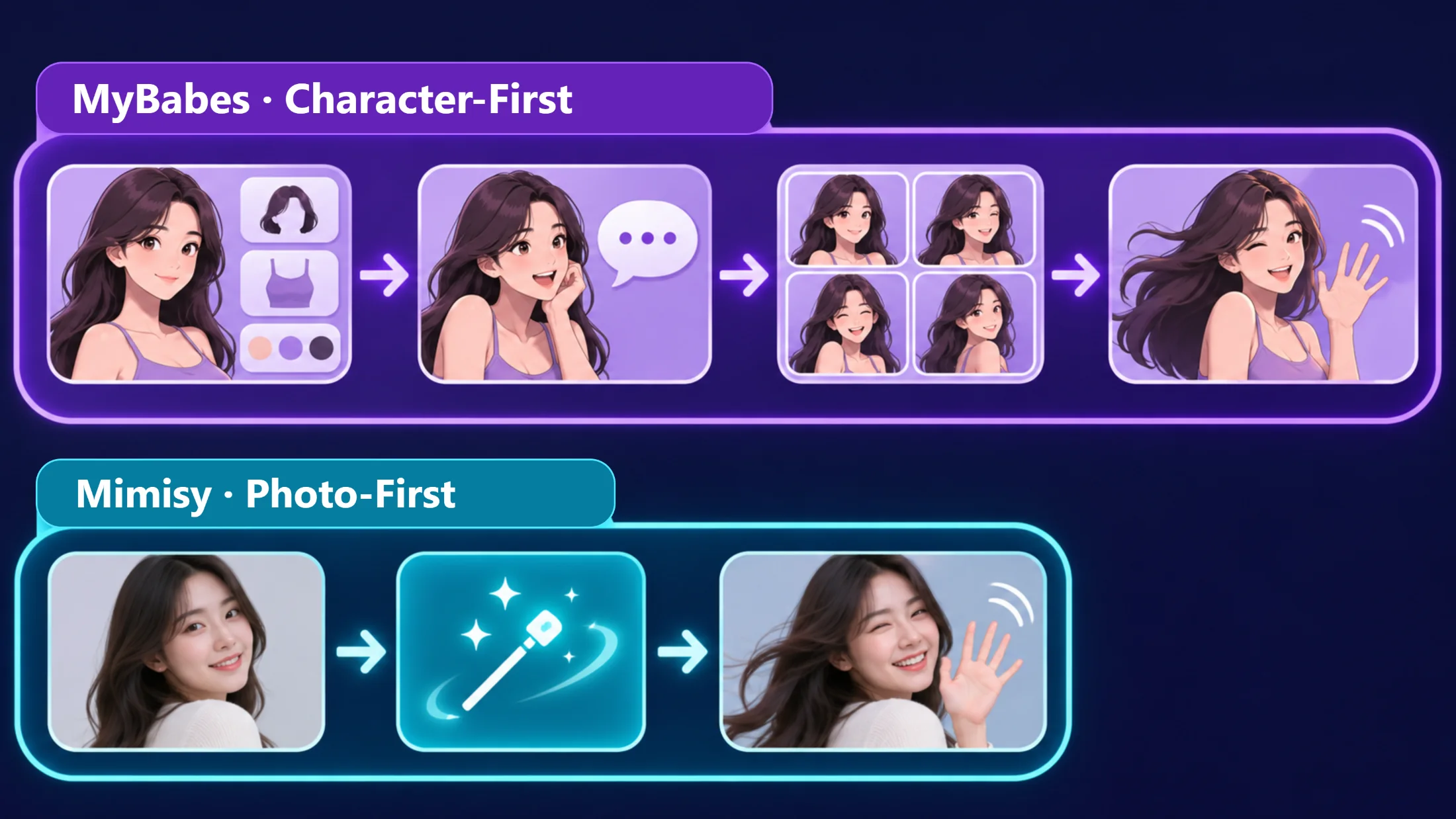
MyBabes connects multiple tools for developing a recurring character, while Mimisy offers a more direct route when the task begins with an existing photo.
Decision: Which Should You Choose?
Choose MyBabes when:
- You want to create or discover a recurring generated character.
- Chat, voice, stories, and supported long-term memory matter.
- You want images generated inside the same character environment.
- You plan to animate internal gallery stills.
- You value multiple video routes, mods, enhancers, prompts, audio, and shot controls.
Choose Mimisy when:
- You want to start with a photo from your own device.
- You prefer to see the intended effect before generation.
- You want a guided image or video transformation with fewer setup decisions.
- You need two distinct photo inputs for a supported DUO effect.
- You want to see the current credit quote before submitting the job.
Mimisy is the decisive winner for own-photo NSFW transformations and template-led results. MyBabes is the stronger choice for building, chatting with, and producing connected media around an entirely generated recurring persona.
Before creating an account or uploading media, readers can review Mimisy’s current product, provider, account, and deletion information on its trust page. For more comparisons of own-photo generators, see Mimisy vs Fapify or Mimisy vs SpicyGen.
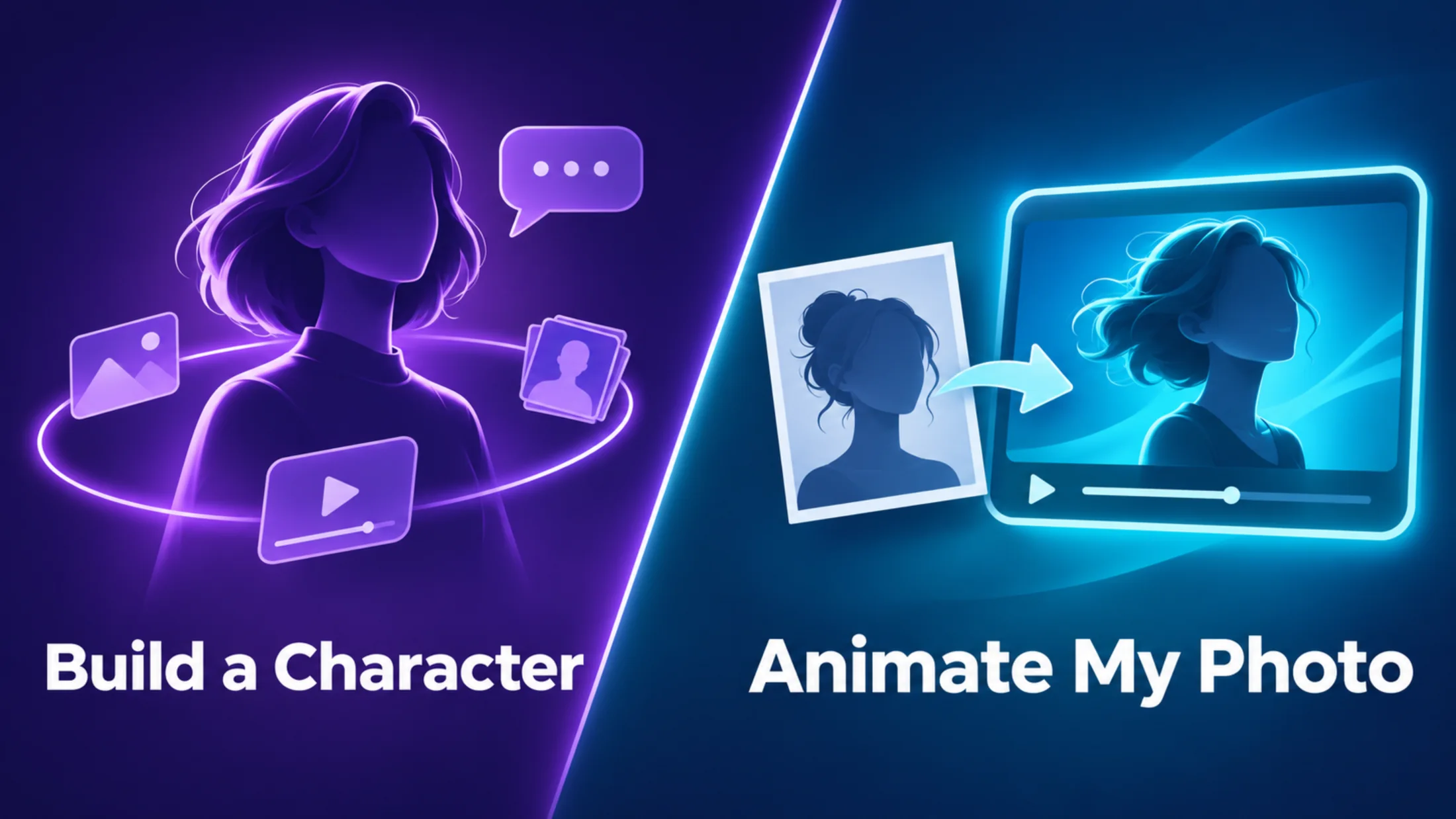
Choose the character ecosystem when the persona is the project, or the photo-first workflow when an existing image is the starting asset.
FAQ
Can MyBabes generate images and videos?
Yes. MyBabes includes internal image generation, photos created through chat, an account gallery, MyBabes V2, Wan and Seedance video options, mods or enhancers, and native-audio capabilities in supported routes. Its main advantage is the way these tools connect to a recurring character.
Can the documented MyBabes video workflow start with a new phone or hard-drive photo?
The reviewed public guides do not document that path. The MyBabes V2 guide starts with a still from the user’s MyBabes gallery, while the Wan guide directs users to select a gallery still or generate one first.
What does “App Images Only” mean in the MyBabes Inpaint guide?
Inpaint operates on eligible images already inside the MyBabes ecosystem. The guide explicitly says that local hard-drive and phone-gallery images cannot be uploaded into the tool.
Can Mimisy use a photo from my device?
Yes. Direct source-photo upload is central to Mimisy’s documented image-to-video and image-effects workflows. Select a live effect, upload a suitable photo, review its available settings and credit quote, and generate.
Does Mimisy support two-photo effects?
Yes, when a supported DUO effect displays two required source slots. Not every template accepts two photos, so check the upload fields before preparing the job.
Which platform is better for character chat?
MyBabes. It is designed around recurring characters and includes in-character chat, generated media, voice, stories, and long-term memory on supported models. Mimisy focuses on photo transformation rather than persistent character relationships.
Which is simpler for animating an existing authorized photo?
Mimisy. It provides a documented local-upload workflow and organizes generation around visible effects, supported settings, and a pre-generation credit quote.
Is either platform proven to have universally better output quality?
No. The supplied material does not include a controlled benchmark using identical inputs, comparable settings, and consistent evaluation criteria. The reliable distinction is workflow fit: MyBabes for a recurring generated-character ecosystem, and Mimisy for direct own-photo, template-led creation.
Find an effect for your next idea.
Browse the actual previews, choose your settings, and review the credit quote before you create.
Explore effects →