Choose Mimisy if you want fast, template-led NSFW photo animation. You can browse live adult effect previews, upload one or two source photos where supported, review the available settings and credit quote, and generate without building a model pipeline.
Choose ZenCreator if you need a wider studio for both SFW and NSFW work. Its tools cover text-to-image, text-to-video, image-to-video, image editing, upscaling, face or head swaps, video-to-video, lip sync, audio-capable models and multi-shot production.
For turning an existing photo into a short adult effect, Mimisy is the stronger choice. Its live samples, focused workflow and limited setup make effects easier to discover and configure. This is a workflow advantage, not evidence that Mimisy would win every controlled comparison of output quality.
ZenCreator vs Mimisy at a Glance
| Decision point | Mimisy | ZenCreator |
|---|---|---|
| Core scope | Focused adult template and photo-effect service | Broad SFW and NSFW image-and-video studio |
| Starting inputs | Usually one photo; two photos in supported DUO effects | Text prompts, images, videos and references, depending on the tool |
| NSFW access | Adult templates are central to the browsing workflow | Unlocked through Trusted Status after the first successful credit purchase |
| Effect discovery | Live template samples show the intended direction | Templates, LoRAs, tools and models provide more configurable choices |
| Model choice | The template determines the supported workflow and settings | Extensive model selection, with capabilities varying by model |
| Image tools | Template-led image effects and source-photo transformations | Text-to-image, editing, upscaling and face or head swaps |
| Short video | Guided image-to-video effects | Text-to-video, image-to-video and video-to-video |
| Multi-shot production | Not the main product workflow | Video Builder supports documented projects from 15 seconds to 3 minutes |
| Audio | Check the selected template’s live options | Native audio on supported models, plus lip-sync tooling |
| Pricing structure | Prepaid monthly or annual passes; a quote appears before generation | One-time credit packs used across tools; credits do not expire |
| Learning curve | Fewer choices for a known effect | More decisions, with greater production flexibility |
| Commercial use | Check the current plan, service terms and applicable template conditions | ZenCreator explicitly documents royalty-free commercial-use outputs |
| Best fit | Fast, guided NSFW animation from existing photos | Multi-tool SFW/NSFW creation and professional production |
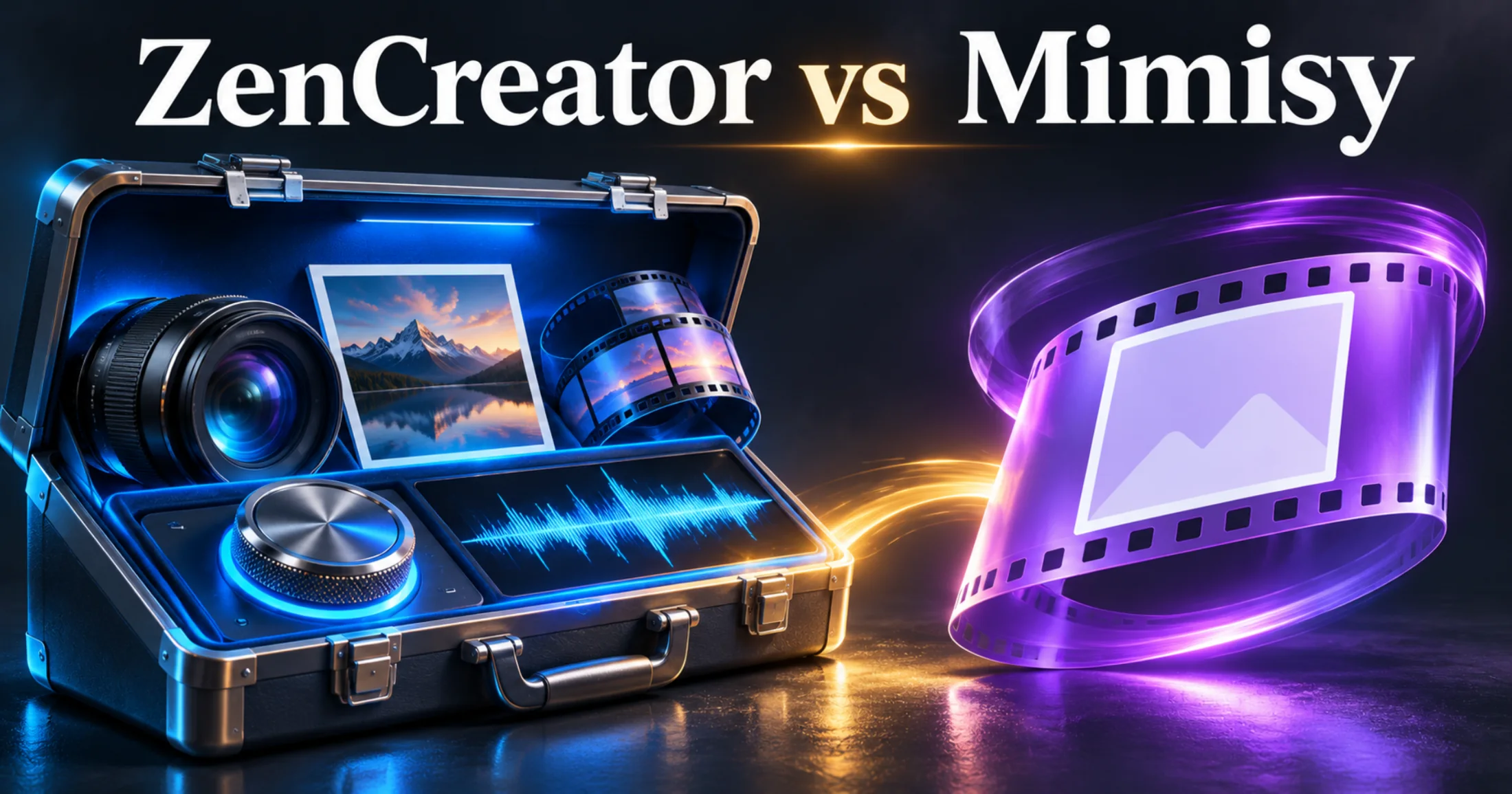
ZenCreator’s broad production toolkit contrasts with Mimisy’s focused template-effect workflow.
What Each Platform Is Designed to Do
ZenCreator is a general AI creation studio rather than a single-purpose adult video generator. Its official getting-started guide covers prompt- and reference-based creation, image editing, enhancement, face swapping, image-to-video, private generations and commercial-use outputs. Other tools extend that scope to prompt-only video, video transformation, lip sync and multi-shot assembly.
That breadth is useful when an asset must move through several stages. You could create a source image, correct and upscale it, animate it, transform the resulting video and add synchronized speech within the same wider toolset. The extra flexibility also means learning which mode and model fit each stage.
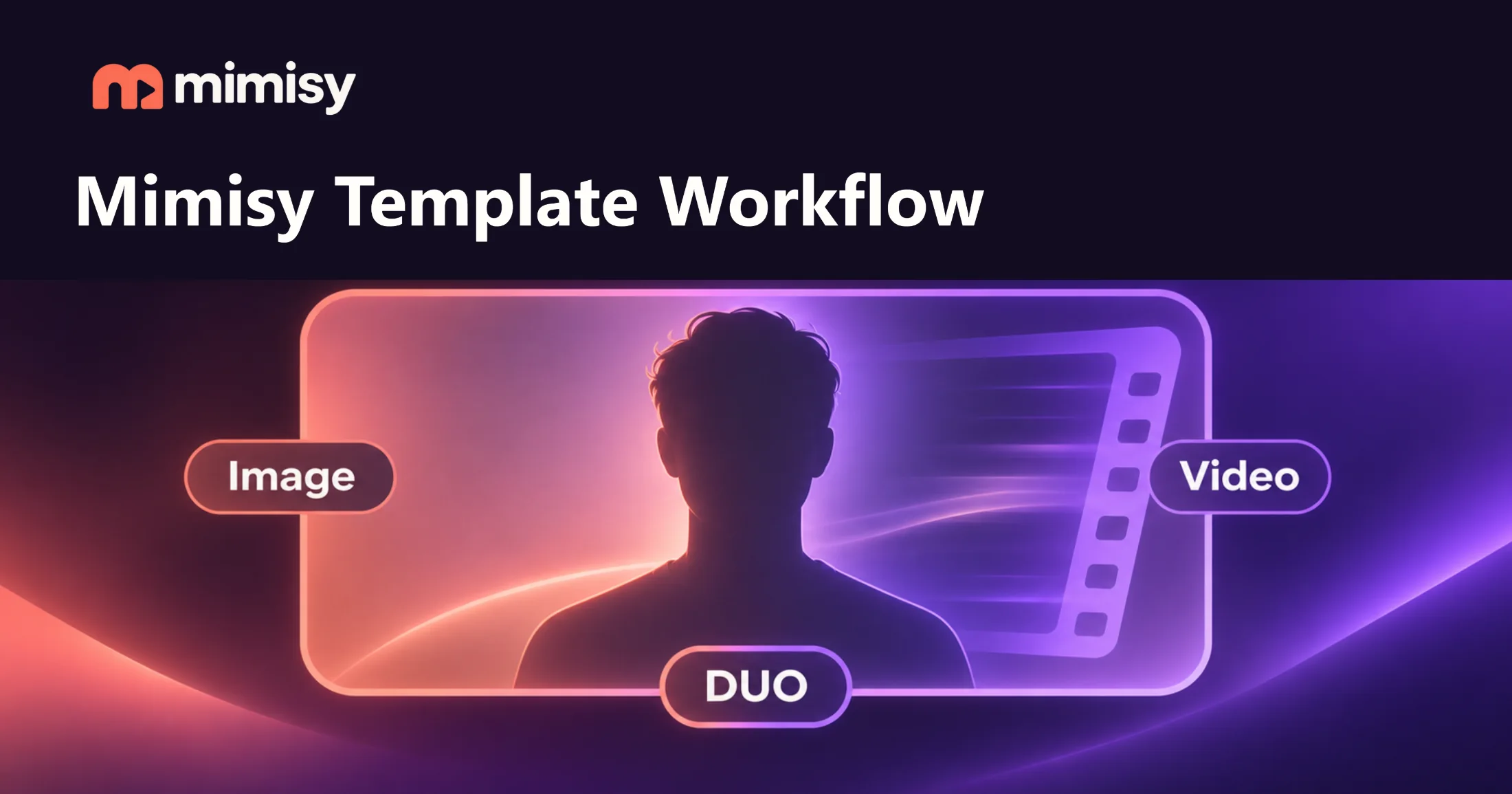
Mimisy has a narrower purpose. The workflow starts with the effect instead of the underlying model: browse a live sample, select a template, upload the requested source photo or photos, inspect the settings and current quote, and optionally add a concise direction. The Mimisy template guide explains this preview-first process.
That focus helps when the desired result is already clear. For a specific short NSFW photo effect, choosing from visible examples is usually quicker than comparing models, LoRAs, resolutions, generation modes and supporting tools. The sample shows the intended motion and composition, although the source image will influence the result and an exact match is not guaranteed.
NSFW Access: Trusted Status vs an Adult-Template-First Journey
ZenCreator supports SFW and NSFW creation, but adult features are unlocked after a purchase. According to its Trusted Status documentation, the first successful credit-pack purchase unlocks NSFW generation, supported 18+ templates and LoRAs, and selected advanced tools. The buyer receives usable credits, so this is not a separate activation fee.
Availability can still vary by account, model and region. Trusted Status does not guarantee that every tool or model will appear for every user.
Mimisy puts adult effect discovery at the center of its product journey. Users browse template directions and then follow the corresponding upload and generation flow. Its trust page provides current information about uploads, storage, service providers and product practices for anyone considering submitting personal media.
In practice, ZenCreator adds adult capabilities to a broad studio after a qualifying purchase. Mimisy structures the experience around choosing an adult effect for an existing photo.
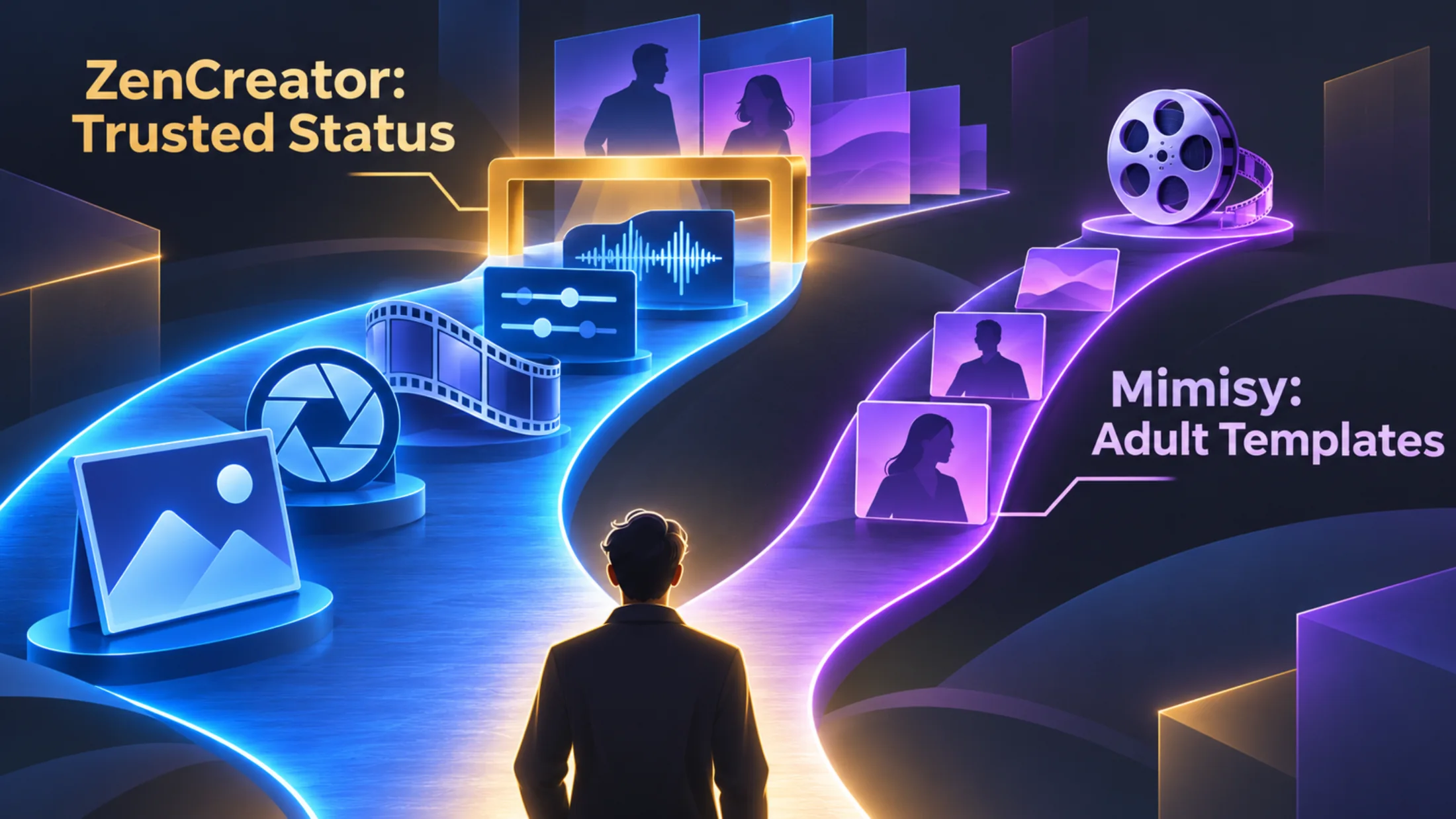
ZenCreator adds adult capabilities to a broader creation studio through Trusted Status, while Mimisy begins with a focused template-led journey.
Templates or Models: How You Control the Result
ZenCreator provides more control over the production system. Its text-to-video workflow can involve selecting a model, prompt, aspect ratio, resolution and duration. Other tools introduce references, source videos, editing operations or enhancement stages. This approach suits users who need a particular model or want to develop a repeatable production stack.
Mimisy moves more of those decisions into the template. A live sample establishes the visual direction, and the generation panel presents the inputs and settings supported by that effect. There is less chance of configuring a complex workflow only to discover that it does not suit the intended result.
For a focused NSFW task, this can produce a better practical experience: the intended effect is visible before credits are spent, and there are fewer incompatible choices. It does not establish that Mimisy always has better image fidelity, motion or identity preservation.
Optional directions work best when they refine the template. Mimisy’s optional-prompt guide recommends concise instructions that fit the selected effect. If the intended result differs substantially from the preview, selecting another template will usually work better than trying to override the current one with a long prompt.
Input Modes and Creation Tools
Both services can start with an existing photo, but they use it differently.
Mimisy’s image-to-video feature pairs a motion effect with a suitable still image. Most templates require one source. Supported DUO effects show two separate upload slots so that two source photos can be composed into one guided effect. Mimisy also offers still-image effects separately from its video templates.
Source quality affects how much usable information the template receives. A sharp, evenly lit image with a clearly visible subject is more suitable than a compressed screenshot, heavily obscured face or poorly matched crop. The source-photo guide covers clarity, lighting, framing and DUO slot order.
ZenCreator accepts more kinds of starting material across its tools:
- Text-to-video can begin with a prompt and no reference image.
- Image-to-video animates an existing still.
- Text-to-image and editing tools can create or modify source material first.
- Video-to-video transforms an existing clip.
- Face or head swap, upscaling and lip sync can support later production stages.
- Video Builder can use an uploaded photo as a recurring character reference.
ZenCreator leads on input breadth. Mimisy is more direct when the starting point is already one or two photos and the objective is a recognizable short effect without a custom production pipeline.
Short Effects vs Multi-Shot Video Production
Mimisy is primarily a short-effect workflow. Select a transformation, provide its required source material and use the duration, quality and additional-clip options available for that template. Planning remains light, and the required credits are visible before submission.
ZenCreator has more room for sequences. Its Video Builder guide documents multi-shot projects ranging from 15 seconds to 3 minutes, including shot planning and uploaded character references. Individual shots can use supported model and sound choices before assembly.
Choose according to the role of the effect:
- Use Mimisy when the effect itself is the finished deliverable.
- Use ZenCreator when the effect will become one shot in a longer narrative, campaign or recurring-character project.
Mimisy avoids unnecessary production setup. ZenCreator can maintain a character across shots and combine several creation tools, but it requires more creative and technical decisions.
Audio and Lip Sync
ZenCreator has a clear advantage for audio-focused production. Its text-to-video documentation describes native audio on supported models such as Wan 3.0 Spicy, and the platform also includes lip-sync tools. Audio behavior varies by model: a model may generate sound, remain silent or handle source audio differently.
With Mimisy, use the live template as the source of truth. Its card and generation panel should show the output options available for that particular effect. If audio is essential, confirm it along with duration, quality and the displayed quote before generating.
ZenCreator vs Mimisy Pricing on November 22, 2026
Mimisy has the lower checkout entry. Prices checked on November 22, 2026 listed its Basic monthly pass at USD 9.99 for 300 Mimisy credits. ZenCreator’s smallest Starter pack was USD 19.99 for 200 ZenCreator credits.
The platforms use different accounting units, so their credits cannot be compared one-for-one. One Mimisy credit does not equal one ZenCreator credit. Mimisy requires less money at checkout and may offer better value for its focused template workflow, but that does not mean every Mimisy clip will cost less.
| Platform and option | Price checked November 22, 2026 | Included platform credits |
|---|---|---|
| Mimisy Basic monthly pass | USD 9.99 | 300 Mimisy credits |
| Mimisy Pro monthly pass | USD 29.99 | 1,500 Mimisy credits |
| Mimisy Premium monthly pass | USD 49.99 | 3,000 Mimisy credits |
| ZenCreator Starter pack | USD 19.99 | 200 ZenCreator credits |
| ZenCreator Creator pack | USD 49.99 | 550 ZenCreator credits |
| ZenCreator Influencer pack | USD 99 | 1,200 ZenCreator credits |
| ZenCreator Professional pack | USD 499 | 6,300 ZenCreator credits |
Mimisy also lists annual prepaid options. Check its current pricing page and credits and payments guide before buying because the quote for a job can vary with the effect, quality, duration, additional clips and supported two-photo composition. Mimisy uses credits rather than offering unlimited output, as its guide to unlimited generation and credits explains.
ZenCreator sells one-time packs, and its credits do not expire. The credits work across the larger toolset, with consumption varying by model, duration, resolution and operation. This can make ZenCreator better value for someone who regularly uses several SFW and NSFW tools despite its higher initial checkout price.
Compare the cost of the intended job rather than the printed credit totals. Before paying, inspect the live Mimisy template quote or the cost shown for the chosen ZenCreator tool, model and settings. Prices and options can change, so confirm the live quote at checkout.
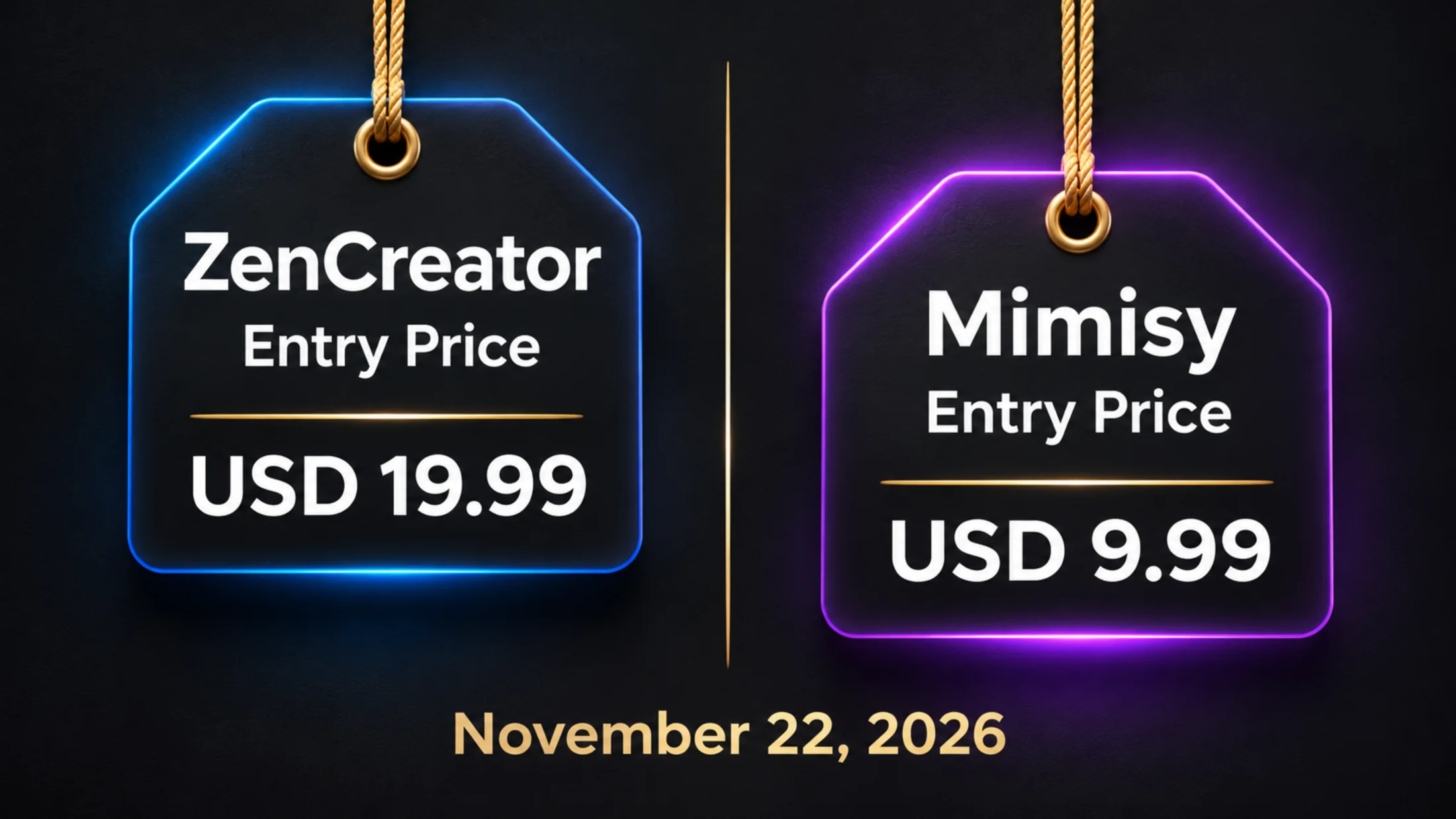
Mimisy had the lower checkout entry price on November 22, 2026; the platforms’ separate credit units are not compared here.
Learning Curve: Guided Selection or Configurable Studio
A ZenCreator video can require decisions about generation mode, model, references, aspect ratio, resolution, duration and audio behavior. A larger project may also involve source-image creation, editing, upscaling, shot planning and lip sync. The learning curve reflects the number of available production choices.
A typical Mimisy workflow is shorter:
- Browse the live effect previews.
- Select an effect that matches the intended direction.
- Upload the requested photo or photos.
- Review the available duration, quality and other settings.
- Check the full credit quote.
- Keep the preset or add one short, compatible direction.
- Generate and review the result.
The first-video guide gives a more detailed walkthrough. Mimisy has fewer overall capabilities, but it is substantially simpler for transforming an existing photo.
Workflow Example 1: A Multi-Tool Campaign in ZenCreator
Suppose a creator needs several SFW promotional shots and an adult-gated version featuring the same fictional character.
Begin by creating or importing the character images. Edit and upscale them as needed, then keep the strongest image as a reference. Choose a suitable image-to-video or text-to-video model for each shot, checking its resolution, duration, filtering and audio behavior.
For a sequence, continue in Video Builder. Plan the shots, attach the character reference and select suitable models for the individual scenes. Where supported, generate native audio or apply lip sync to spoken material. Review the quoted costs before committing to the complete project, then assemble and export the required versions.
This workflow draws on ZenCreator’s main strength: several creation and post-production functions can contribute to one project. Its documented commercial-use position also makes it the clearer option when commercial output rights are a primary requirement, subject to the applicable terms and permitted source material.
Workflow Example 2: A Short NSFW Photo Effect in Mimisy
Suppose the objective is to animate an existing adult photo with one specific short effect.
Browse Mimisy’s live previews and select a template whose framing and motion suit the source. Prepare a clear photo with a visible subject. For a supported DUO effect, provide two suitable images in the labeled slots.
Open the generation panel and review the settings supported by that template. Confirm the quality, duration, additional clips and other displayed choices, then check the complete credit quote. Leave the prompt empty if the preset already captures the intended direction. Otherwise, add one concise instruction that complements the effect.
This route removes model selection, shot planning and a multistage toolchain. A user looking for a known short effect can find and configure it with fewer decisions, although that does not mean every result will outperform ZenCreator.
Commercial Use and Professional Fit
ZenCreator states that its generated outputs are royalty-free for commercial use. Professional users should still review the current terms and confirm that they have the necessary rights to source images, references and other inputs.
For Mimisy, review the current pricing, trust information and service terms for the relevant plan, template and intended use. Rights may differ by workflow or applicable conditions.
Commercial fit also depends on the production process. Consider whether the project needs consistent characters, multiple shots, audio, enhancement, a lower initial purchase or quick template discovery. ZenCreator suits a broader production pipeline; Mimisy suits short photo effects where additional production overhead would add little value.
Verdict by Use Case
Choose Mimisy for:
- Fast, template-led NSFW photo animation.
- Live effect samples that can be reviewed before spending credits.
- Guided transformations from an existing photo.
- Two-photo creation when a DUO template shows two supported inputs.
- A lower checkout entry price.
- Fewer model and setup decisions.
Choose ZenCreator for:
- Combined SFW and NSFW production.
- Prompt-only text-to-video.
- Extensive model selection and configurable controls.
- Image creation, editing, enhancement and face or head swaps.
- Video-to-video, native-audio models and lip sync.
- Multi-shot projects lasting from 15 seconds to 3 minutes.
- Non-expiring credits usable across a broader toolchain.
- Professional workflows that need explicitly documented commercial-use outputs.
For the main question behind many ZenCreator vs Mimisy searches—turning one or two existing photos into a short, easy-to-discover NSFW effect—Mimisy is the better fit. For producing, modifying and assembling a wider range of SFW and NSFW media, ZenCreator offers far more breadth.
Readers considering other focused adult-generation workflows can also compare Mimisy vs SpicyGen and Mimisy vs Playbox.
ZenCreator fits broad production workflows, while Mimisy fits fast, template-led NSFW effects.
Frequently Asked Questions
Is Mimisy cheaper than ZenCreator?
Mimisy had the lower checkout entry on November 22, 2026: USD 9.99 for its Basic monthly pass, compared with USD 19.99 for ZenCreator’s Starter pack. That does not establish that every Mimisy output costs less. Compare the live quote for the chosen Mimisy effect with the cost of the selected ZenCreator model and settings.
Can Mimisy and ZenCreator credits be compared directly?
No. Each platform has its own credit unit and consumption rules, making a simple cost-per-credit comparison misleading.
Which is better for quick NSFW photo effects?
Mimisy. Its live adult previews, template-led configuration and one- or two-photo workflows reduce setup for this particular task.
Which platform supports prompt-only text-to-video?
ZenCreator. Its text-to-video tool can generate from a description without requiring a reference image.
How does ZenCreator unlock NSFW generation?
The first successful credit-pack purchase grants Trusted Status, unlocking NSFW generation, supported 18+ templates or LoRAs, and selected advanced tools. Availability can still vary by account, model and region.
Can either platform use two photos?
Mimisy documents two-photo input for supported DUO templates with two required upload slots. ZenCreator supports references in various tools, but that differs from Mimisy’s dedicated two-slot DUO workflow. Check the chosen ZenCreator tool for its current input options.
Which is better for multi-shot videos?
ZenCreator. Video Builder supports documented multi-shot projects from 15 seconds to 3 minutes and can use uploaded character references.
Does either platform support audio?
ZenCreator documents native audio for supported video models and provides lip sync. For Mimisy, check the selected live template for its current audio and output options because sound should not be assumed across all effects.
Can outputs be used commercially?
ZenCreator explicitly documents royalty-free commercial-use outputs. For Mimisy, verify the current plan, service terms and relevant template conditions before commercial use.
Does Mimisy produce universally better-quality effects?
There is no basis for a universal conclusion without a controlled comparison using similar inputs, settings and evaluation criteria. Mimisy’s advantage is easier effect discovery: live previews, a focused scope and fewer setup decisions make it more practical for fast, template-led NSFW photo animation.
Find an effect for your next idea.
Browse the actual previews, choose your settings, and review the credit quote before you create.
Explore effects →